
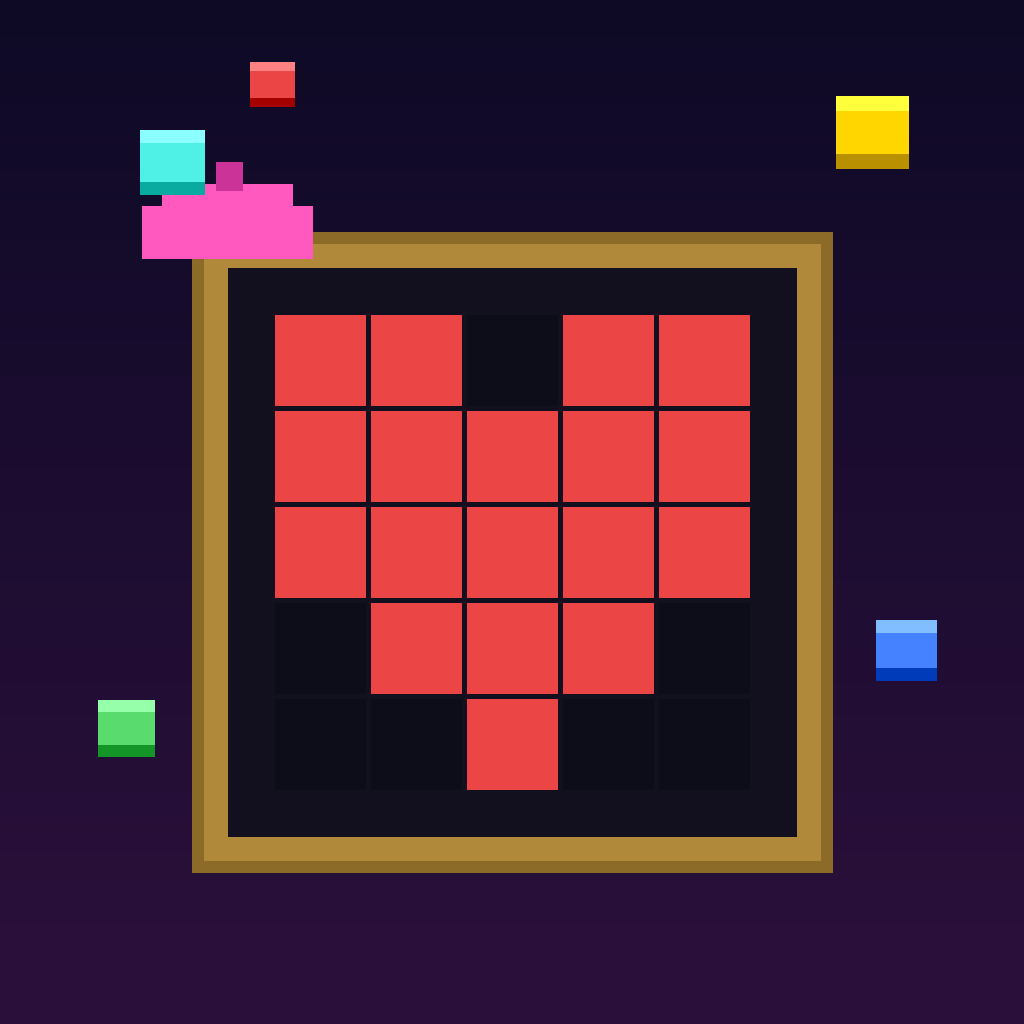
Pick blocks. Paint like Picasso.
A retro-inspired puzzle game for iPhone and iPad. Catch colored pixels off a conveyor belt and recreate pixel-art masterpieces — against the clock, one block at a time.

HOW TO PLAY
- 1 Pick a starting point
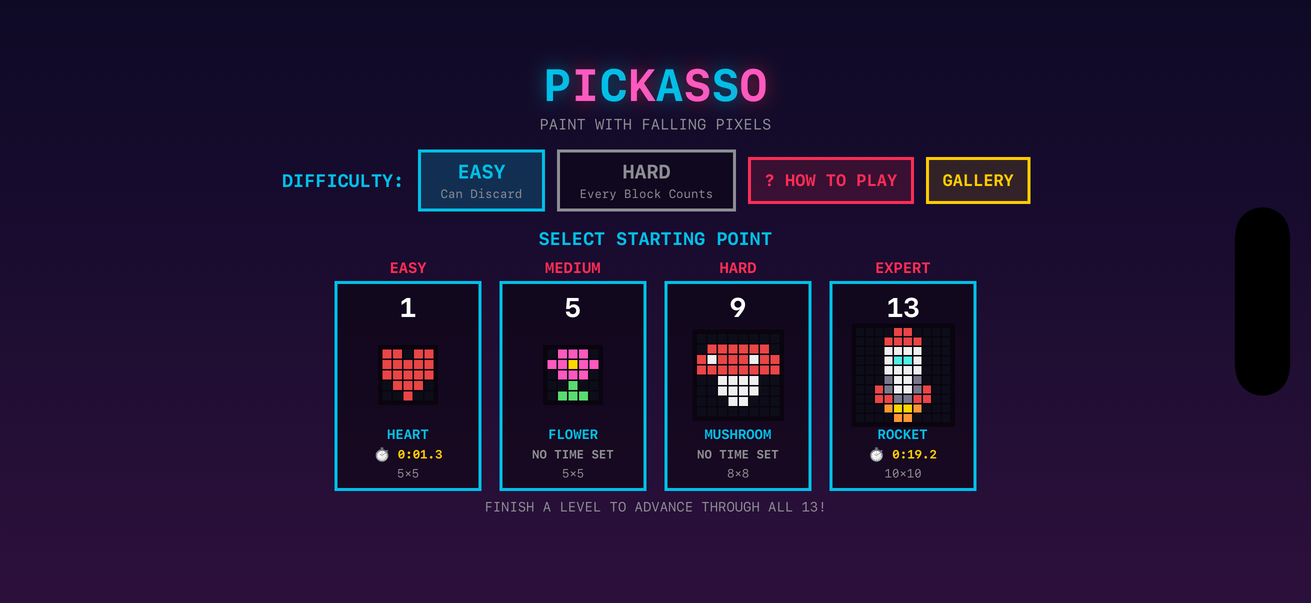
Four entry levels span the difficulty curve — Easy, Medium, Hard, and Expert. Finish a level and you advance automatically through the full 13-level catalog.
- 2 Watch the blocks drop
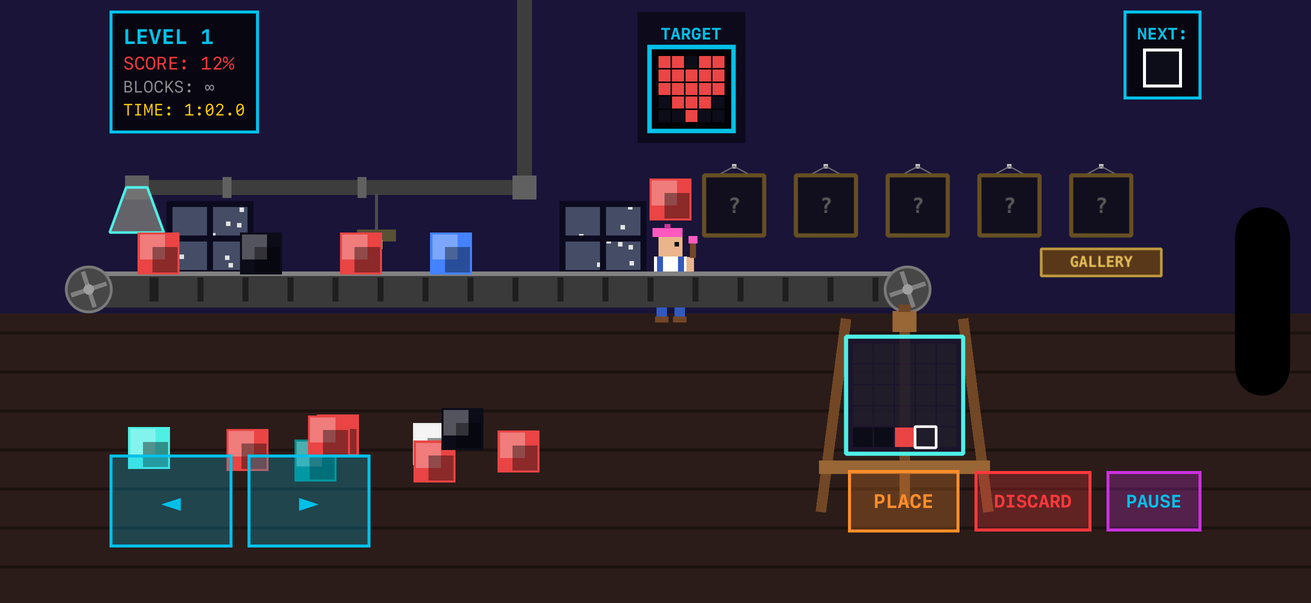
Colored blocks travel the overhead supply pipe and drop from the chute onto the moving conveyor belt.
- 3 Control your painter
Hold ◀︎ / ▶︎ to walk along the belt. Tap a block to walk to it and pick it up. Press PLACE to set it back down — or DISCARD (Easy mode) to toss a block you don’t want.
- 4 Fill the frame
Blocks that ride off the end of the belt fall into the frame, filling it left-to-right, bottom-to-top. The highlighted cell shows where the next block lands.
- 5 Match the target
Recreate the target image shown at the top of the screen.
- 6 Score
You’re scored on the percentage of correctly placed pixels — and the clock is running, so placing blocks near the end of the belt pays off in a faster completion time.
FEATURES
Easy mode streams endless blocks with distractor colors mixed in — discard freely. Hard mode deals you exactly the blocks the image needs, shuffled, with no discards: every mistake is permanent.
Place five pixels correctly in a row and a flashing tile rides the belt: Slow-Mo, Paint Bucket, Chisel, Magnet, or Preview Lens. Grab it before it falls off the end — the Paint Bucket turns the next block into whatever the painting needs, and place the Magnet and every block slides to it.
From a 5×5 two-color Heart to a 10×10 seven-color Rocket, auto-ranked by difficulty. The belt speeds up as you go — but never faster than you can walk.
Every level’s best painting is saved to your gallery, and your fastest perfect completion is tracked per level. Speed only counts when the picture is right.
All music and sound effects are synthesized live with square waves — a looping 8-bar chiptune track and retro blips, with a fresh melody composed for every level. Music and sound toggles are on the menu and pause screens, and your own music or podcasts keep playing underneath.
Landscape play on iPhone and iPad with haptic feedback on pickups, landings, mistakes, and power-ups. iOS 17 and up.